
Sony PlayStation is the most famous and widely used gaming console across the globe, and for gamers, PlayStation is more than just a console; it’s an entire ecosystem where gamers can connect and discover new titles, revisit iconic franchises, and unlock online experiences through a single PlayStation account. Be it a PS5 or PS4, you can enjoy the amazing cinematic action-adventure like God of War Ragnarok, expansive open worlds such as Horizon Forbidden West, and competitive racing in Gran Turismo 7. You could be a competitive gamer or a casual Warzone enthusiast, with your PlayStation account, you can explore exclusive titles and a constantly updated digital library.
PlayStation Gift Card from GyFTR adds balance directly to your PlayStation Wallet, which can be used to buy games, DLCs, subscriptions, and more without linking a debit or credit card. This makes purchasing your favourite games and cosmetics as easy as levelling up. You can add balance to your PlayStation Wallet and use it for prebooking upcoming AAA titles like Grand Theft Auto VI and Marvel’s Wolverine.
When you buy a PlayStation Gift Card from GyFTR, you get instant digital delivery and a smooth redemption experience and additional discounts, making it easy to gift or manage your own gaming spends.
What Is a PlayStation Gift Card?
- A PlayStation Gift Card acts like a digital currency that you can use to add balance to your PlayStation Wallet.
- The PlayStation Gift Cards can be used to purchase Games, in-game cosmetics, DLCs, and a PS Plus Subscription.
- PlayStation Gift Cards from GyFTR are great for competitive and casual gamers who like to stay updated with early access and day one game drops.
How to Redeem PlayStation Gift Cards
Redeeming your PlayStation Gift Cards is a really simple and hassle-free process. Here’s how you can redeem your PlayStation Gift Cards at the PlayStation Store on your console or via the PlayStation website.
How to Add PlayStation Gift Cards at the PlayStation Store Website:
Step 1: Visit https://store.playstation.com and sign in using your PS Account or create one.
Step 2: Select the Profile Logo in the top right corner, and from the drop-down menu select “Redeem Code”
Step 3: Enter the 12-digit Voucher Code in the “Redeem Code” section & the amount will be added to your PS Wallet.
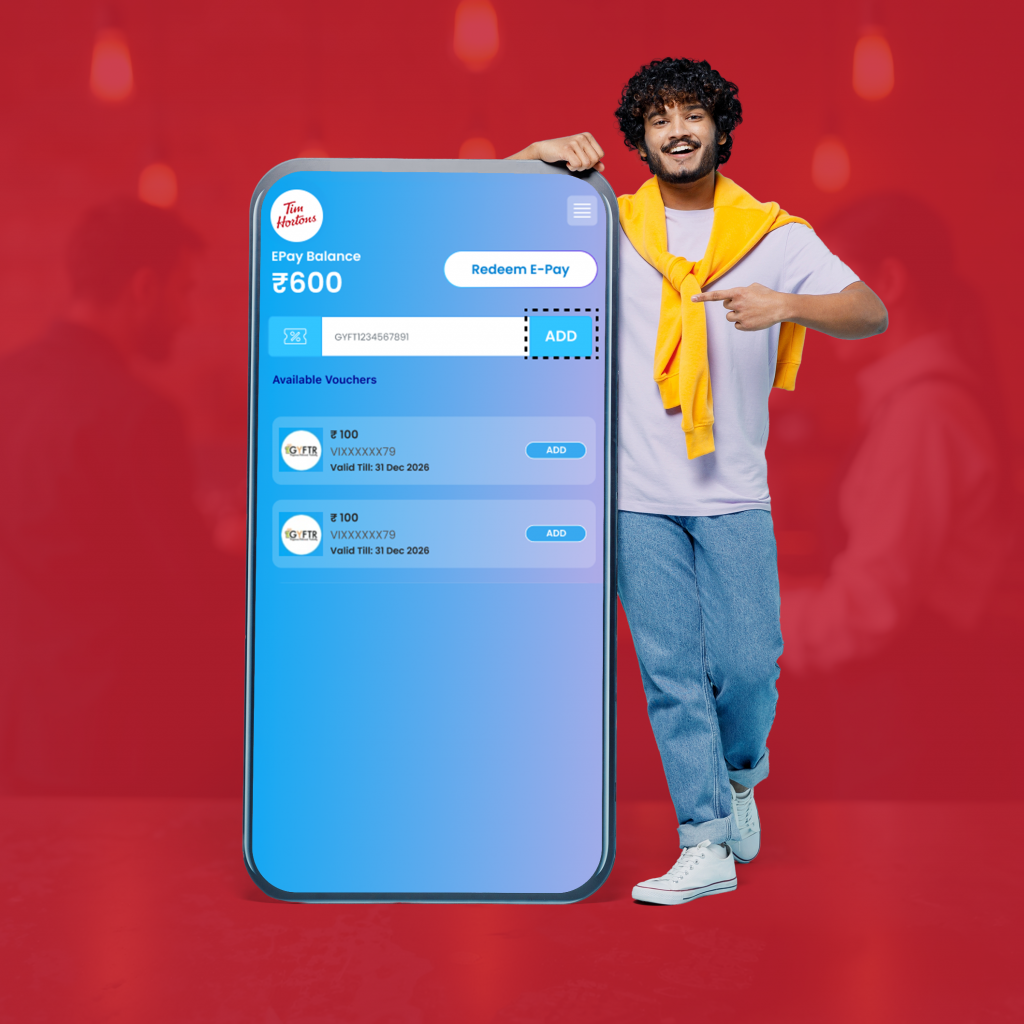
How to Redeem PlayStation Gift Cards on the PlayStation Controller:
Step 1: Log in to your Console with the PlayStation account you want to add balance to.

Step 2: From the available icons, select PlayStation Store.

Step 3: Click on the “three-dot” menu in the top right corner, and from the drop-down, select “Redeem Code”

Step 4: Enter the 12-digit Voucher Code in the “Redeem your Voucher Code Here” section, and click “Redeem.”

Step 5: The said amount will be added to your PlayStation Wallet

Important Things to Know About PlayStation Gift Cards
- PlayStation Gift Cards can only be accepted on the PlayStation Store on your console or via the website.
- Multiple PlayStation Gift Cards from GyFTR can be combined and added to your PlayStation ePay balance.
- PlayStation Gift Cards are country-specific, which means, they can only be redeemed on PlayStation accounts that match the country or region of the Gift Card code.
What Can You Do with PlayStation Gift Cards?
A PlayStation Gift Card gives you complete control over how you spend on the PlayStation Store. With a PlayStation Gift Card from GyFTR, you can:
- Buy full digital games, from blockbuster releases to indie favourites.
- Purchase DLCs, expansions, and in-game add-ons to enhance gameplay.
- Pay for PlayStation Plus subscriptions to access online multiplayer, monthly games, and exclusive discounts.
- Redeem your PlayStation gift card during seasonal sales to enjoy extra savings.
- Combine your PlayStation gift card with an ongoing PlayStation discount code for maximum value on your purchases.
Instead of locking into a single title, wallet balance lets gamers decide when and how to spend.
Why Use PlayStation Gift Cards from GyFTR
- Instant Delivery: PlayStation Gift Cards are delivered instantly via SMS, e-mail, and WhatsApp, making them perfect for last-minute gifting.
- Seasonal Savings: Combine your PlayStation Vouchers with any ongoing offers to receive additional discounts and effectively double your savings!
- Freedom of Choice: Recipients can explore AAA games, day one releases, in game cosmetics, PS Plus Subscription, and more with their PlayStation Gift Cards.
FAQs
Where can I buy a PlayStation Gift Card online?
You can buy PlayStation Gift Cards online from GyFTR and get your PlayStation e-Gift Card instantly via SMS, email, or WhatsApp.
Do PlayStation Gift Cards expire?
Yes, every PlayStation Gift Card or PlayStation Gift Voucher comes with a validity period mentioned in your GyFTR confirmation email/SMS/WhatsApp.
Is partial redemption allowed on PlayStation Gift Cards?
A PlayStation Voucher can only be used once, but once added to the PS Wallet balance, you can use it at your convenience.
Can I use multiple PlayStation gift cards in one transaction?
Once PlayStation Gift Card is added to the PS Wallet balance, you can use the combined balance in a single transaction.
Can I get a refund if I return a product bought with a PlayStation gift card?
No, you cannot get a refund on purchases made with PlayStation Gift Cards.
Do PlayStation Gift Cards from GyFTR expire?
Yes, PlayStation Gift Cards purchased from GyFTR also have a validity period, which is clearly mentioned in the confirmation email, SMS, or WhatsApp.
Can I use PlayStation Credit and another payment method together?
Yes, you can use a PlayStation Gift Card along with other payment methods available on the platform.
Can I send a PlayStation Gift Card to a friend?
Absolutely! Use the “I am Gyfting” option on GyFTR to send the card directly to someone else, perfect for birthdays, festive gifting, and wedding Gifts.
Do PlayStation Gift Cards expire?
Yes, they come with a validity period. The expiry date will be mentioned in the Gift Card message or email.
What if I lose my PlayStation Gift Card code?
No worries. You can visit www.gvhelpdesk.com and use the “Resend My Voucher” feature to get your code again.
Conclusion
With a PlayStation Gift Card from GyFTR, gaming becomes more flexible and future-ready. Whether you’re picking up a new release, upgrading your favourite game with add-ons, or renewing your PlayStation Plus subscription, wallet balance gives you full control over how and when you spend. It’s especially useful for gamers waiting on big 2026 launches like GTA VI or planning to explore upcoming titles without rushing purchases or paying full prices for the latest AAA titles.
Give the gamers of your circle the freedom to choose with PlayStation Gift Cards from GyFTR, and give their gaming experience a well-deserved level up.
Download the GyFTR App and enjoy upto 40% off on 300+ Top Brand Vouchers! Happy Savings!